How to Print Custom Fidget Clicker Housings with a Snap
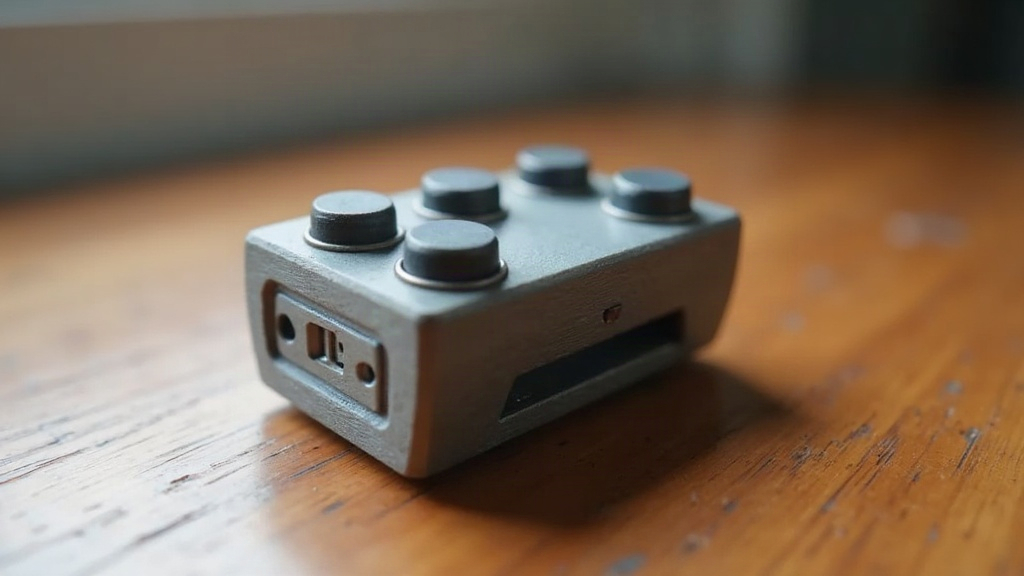
If you want to 3D print custom fidget clicker housings with a satisfying tactile snap, the secret lies in three things: a well-designed cantilever or dome-switch mechanism, tight but forgiving print tolerances, and the right material for repeated flexing. This guide walks through the full process, from modeling the click mechanism to dialing in your slicer settings, so your finished clicker feels as crisp as a store-bought one, not mushy or stiff.
Why Most Printed Clickers Feel “Off”
Download a random clicker STL, hit print, and you’ll usually get one of two results: a part that refuses to click, or one that clicks exactly once before cracking in half. Annoying, right? It almost always comes down to one of three things:
- Wall thickness mismatch. The flexing arm or dome is too thick (no snap at all) or too thin (one satisfying click, then fatigue, then failure).
- Poor layer orientation. Print the snapping feature parallel to the layer lines and you’ve built in a weak point. It delaminates the moment it’s under repeated stress.
- Wrong tolerance between moving parts. Too tight and the mechanism binds. Too loose and you get a dull, mushy click instead of something sharp and satisfying.
Nail these three variables and you’re about 90% of the way to a click that feels genuinely professional.
Designing the Snap Mechanism
Cantilever Snap vs. Dome Switch
Two mechanisms dominate fidget clicker design:
- Cantilever snap. A thin flexible arm bends past a ridge and releases with a pop. This is what you’ll find in most pen-style clickers.
- Dome switch. A shallow dome, think bottle cap, inverts under pressure and pops back. It’s the same sensation as those “pop-it” toys.
For a crisp, audible click, the cantilever snap is just easier to tune on an FDM printer. You get independent control over arm length, thickness, and ridge angle, which means more room to fine-tune the feel.
Key Dimensions That Matter
- Arm thickness: 0.8-1.2 mm for PETG, 1.0-1.5 mm for PLA (PLA is more brittle, so go a touch thicker to keep it from snapping off).
- Ridge overlap: 0.3-0.5 mm of engagement is plenty. Enough resistance to feel real, not so much that the arm gets stuck.
- Arm length: Longer arms (8-12 mm) flex gently and last longer. Shorter arms (4-6 mm) hit harder but wear out faster.
Model the arm so it bends in the direction of the layer lines, not across them. In practice that means orienting the part so the flex happens within a layer plane rather than between layers, which is what keeps it from delaminating.
Choosing the Right Material
| Material | Snap Feel | Durability | Notes |
|---|---|---|---|
| PETG | Crisp, slightly soft | Excellent fatigue resistance | Best all-around choice |
| PLA | Very crisp, brittle | Prone to cracking after 50-100 clicks | Good for prototypes only |
| TPU (95A) | Muted, springy | Outstanding | Use only for the flexing arm, not the whole housing |
| Nylon | Crisp, durable | Excellent | Needs a dry filament and enclosed printer |
Most makers land on the best combo of snap feel and lifespan by printing the housing in PETG and, where the design allows it, swapping in a separate TPU insert just for the flex arm.
Slicer Settings for a Reliable Click
- Layer height: 0.12-0.16 mm on the flexing feature. Smoother surface, better bend.
- Wall count: 3-4 perimeters minimum around the snap arm. A thin single-wall arm will fail fast, almost guaranteed.
- Infill: Skip 100%. You don’t need it. 40-60% gyroid gives plenty of rigidity without making the part brittle.
- Print orientation: Stand the housing up so the snap arm’s flex direction lines up with the XY plane, not the Z-stack.
- Cooling: Crank the fan on small features like the ridge and dome. Warping here shifts your tolerances just enough to ruin the feel.
Testing and Iterating
Before you commit to a full production run, print one test housing and put it through at least 100 clicks. Click feels too soft? Shave the ridge overlap down in 0.1 mm steps. Arm cracking early? Add 0.1-0.2 mm of thickness, or just switch from PLA to PETG and save yourself the headache.
A basic test jig (two printed posts holding the arm in place while you press it with a digital force gauge) lets you put a number on click force. Aim for somewhere between 300 and 500 grams: enough to feel satisfying, not so much that your thumb gets tired after a few dozen clicks.
Finishing Touches
- Give the ridge contact surface a light sand with 400-grit paper. It removes the layer lines that otherwise turn a clean pop into a scratchy noise.
- If the click feels gritty, a tiny dab of PTFE-based dry lubricant on the ridge usually fixes it.
- Try a two-tone print (swap filament mid-print) so the click button stands out visually from the rest of the housing.
Conclusion
A genuinely satisfying printed clicker comes down to a handful of deliberate choices: a cantilever arm with the right thickness and ridge overlap, print orientation that keeps the flex inside a single layer plane, and a material like PETG that balances crispness against durability. Test early, adjust in small steps, and you’ll end up with a clicker that feels every bit as good as something off a store shelf, except this one you built yourself.