How to Print Replacement Tuning Knobs for Vintage Radio Shafts
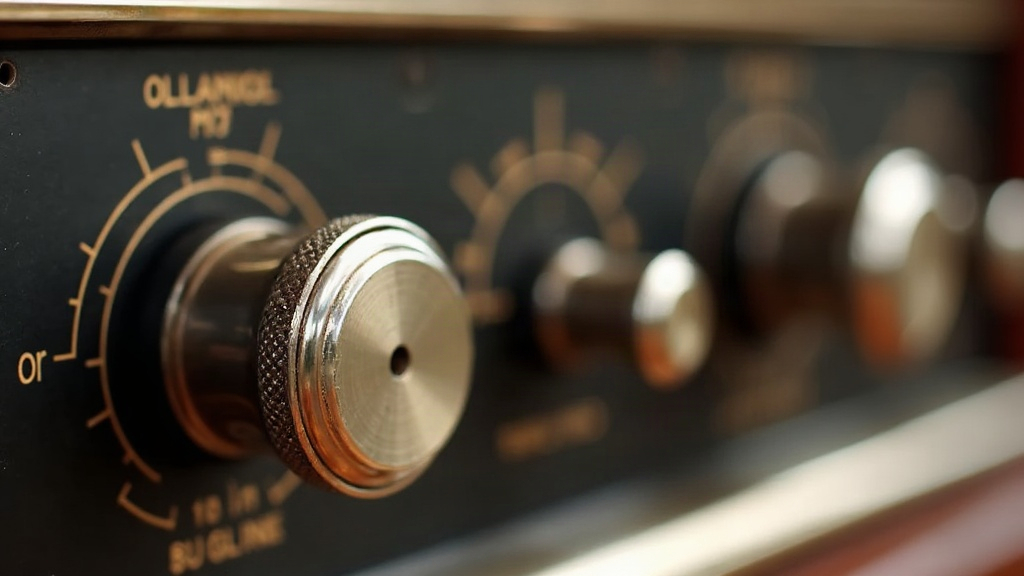
Missing or cracked tuning knobs show up in nearly every vintage radio restoration, and honestly, 3D printing has become the go-to fix. It’s faster and cheaper than combing through flea markets for months hoping to find a match. With a properly calibrated printer, the right filament, and a few careful measurements of the shaft, you can have a period-correct knob in your hand in under an hour.
Why 3D Printing Beats Buying Original Replacements
Knobs from radios built in the 1930s through the 1960s were often molded in Bakelite or early plastics that nobody makes anymore. Some were even one-off designs specific to a single model. Tracking down a genuine replacement means paying collector prices for something that might still be the wrong size or a slightly different shade. Printing sidesteps all of that. It lets you:
- Match the exact diameter, knurling pattern, and set-screw position of the original
- Choose modern materials that hold up better than brittle, decades-old Bakelite
- Reproduce logos, pointer lines, or indicator arrows with raised or engraved detail
- Print a few spares at once, so you’re not starting from scratch if one breaks later
Step 1: Measure the Shaft Correctly
Get this wrong and the knob either wobbles or won’t go on at all.
- Shaft diameter: Most vintage sets use 1/4” (6.35mm) or 3/16” (4.76mm) shafts. Use calipers. A ruler just isn’t precise enough here.
- Shaft shape: Round, D-shaft (flat on one side), knurled, or splined are the usual suspects. If the chassis interior is dim, grab a flashlight and a magnifier before guessing.
- Shaft length: Measure how far it sticks out past the chassis, so the finished knob doesn’t rub against the faceplate once it’s seated.
- Set-screw location: If the original relied on a set screw, note exactly where it sat. Your printed model needs a matching hole in the same spot.
Step 2: Model or Source the Knob Design
Three realistic paths here, depending on what you’ve got to work with:
- Scan an original (if you happen to have a matching or similar knob from the same radio) with a smartphone photogrammetry app, or a basic handheld 3D scanner if you own one.
- Model it from scratch in CAD. Fusion 360 and FreeCAD both handle this fine. Most knobs are just a lathe-style profile revolved 360 degrees, with a bore or D-cut hole extruded through the middle. Not complicated once you’ve done one.
- Pull a file from a repository. Thingiverse, Printables, and a handful of dedicated vintage-radio-parts communities already host profiles for Philco, Zenith, RCA, and other common brands. Worth a search before you model anything yourself.
One trick that matters: when you design the center bore, print it 0.1–0.2mm undersized and ream it out afterward with a small round file. A printed hole straight off the bed tends to run slightly oversized and loose. Undersizing and filing gets you a tight, wobble-free fit every time.
Step 3: Choose the Right Material
- PETG - tough, a bit glossy, resembles period Bakelite reasonably well, and resists cracking under stress.
- ABS - can be vapor-smoothed with acetone to get that glossy, almost-molded look closer to the factory finish.
- Resin (SLA) - best choice if you need fine knurling, embossed pointers, or crisp logo detail. Gives that smooth “cast” surface nothing else quite matches.
- PLA - fine for a quick test fit, but skip it for the final part. It softens near heat, and tube radios run warm.
Step 4: Print Settings That Matter
- Layer height: 0.1–0.12mm, so the knurling comes out crisp instead of mushy
- Infill: 40-60% is plenty. These are tiny parts with no real structural load
- Orientation: print with the bore vertical, it’s the only way to keep the hole round
- Supports: usually not needed, since most knob shapes are simple revolved solids
Step 5: Finishing Touches
- Light sanding with 400-600 grit gets you a smooth, matte surface
- A black or brown filament/resin dye works well for period-correct coloring
- If the knob gets handled a lot, press in a thin metal sleeve or brass insert in the bore for long-term wear
- Touch up indicator lines with a fine paint pen in the original color, usually white or ivory
Troubleshooting Common Fit Issues
- Knob spins freely on the shaft: bore printed too large. Reprint it 0.2mm smaller, or just add a set screw as a backup.
- Knob won’t seat all the way: check the bore for leftover support material or stringing. A hand-turned drill bit usually clears it out fine.
- Cracking near the base: bump up wall thickness around the bore to at least 2mm. Thin walls there are the usual culprit.
Conclusion
Printing your own tuning knobs is one of those small restoration skills that pays off far more than it costs to learn. It saves money, sure, but it also keeps radios running that would otherwise sit in a closet missing one tiny part. Get the shaft measurements right, build or find a decent model, and pick a material suited to the job, and the result often looks (and performs) as well as the original. Sometimes better.