How to Print Ice Scraper Blade Guards That Won't Shatter
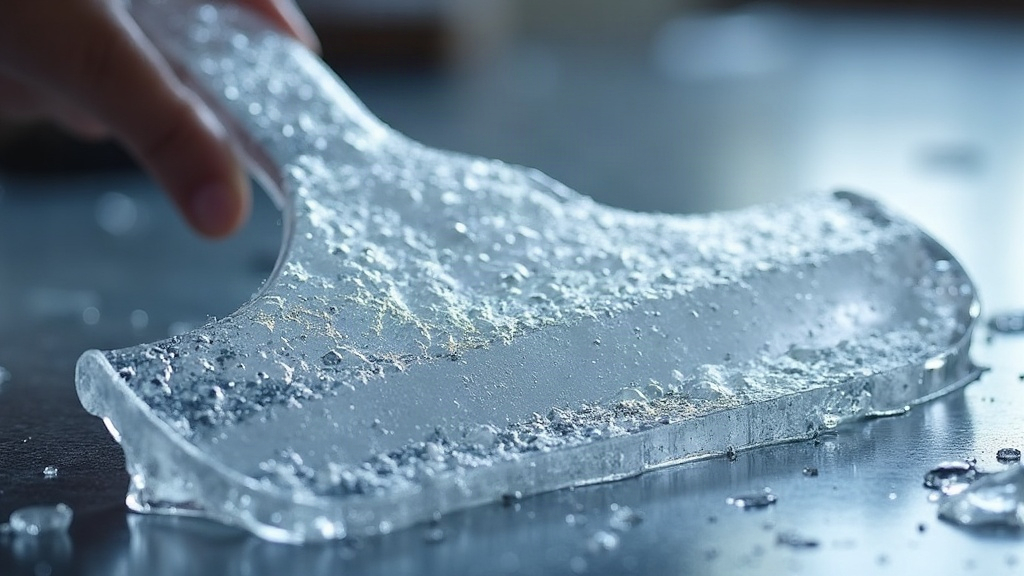
If your 3D printed ice scraper blade guards keep shattering the moment temperatures drop below freezing, the problem is almost always a combination of three things: the wrong filament, poor layer adhesion, and thin, sharp-cornered geometry that’s practically begging to crack. Here’s exactly how to print blade guards that stay flexible and tough even at sub-zero temps, so you’re not reprinting the same part every winter.
Why Most Printed Blade Guards Fail in the Cold
Standard PLA is the biggest culprit here. It’s rigid at room temperature, sure, but it turns glass-brittle below freezing. Drop it, flex it, or let it take a knock at 15°F and it snaps like a stale cracker. This is exactly why so many people print a guard, watch it work fine on the workbench, then have it fail the very first time it’s used outside in actual winter weather.
Three real causes of cold-weather failure, in order of how often they trip people up:
- Wrong material — PLA and even standard PETG can turn brittle in extreme cold.
- Weak layer bonding — under-extruded or under-heated prints separate along layer lines the moment they’re stressed.
- Bad geometry — sharp inside corners and thin walls concentrate stress right where the part actually needs to flex.
Best Filaments for Sub-Zero Durability
1. PETG (the practical sweet spot)
PETG keeps more of its flexibility in cold weather than PLA and resists impact fracturing much better. It’s also easy to print on stock settings, which makes it the best all-around pick for most home printers churning out winter accessories.
2. TPU (for guards that need to flex)
Need the guard to bend or snap onto the scraper? TPU (95A shore hardness is a solid middle ground) stays pliable even in freezing conditions. It won’t crack. It is softer than PETG on pure impact resistance, though, so pick your priority.
3. ABS (only with a heated enclosure)
ABS handles cold fine once it’s printed correctly, but it warps badly without an enclosed, heated chamber. Unless you’ve already got that setup sitting in your garage, just skip it.
Avoid: Standard PLA and PLA+
Even the “tough” PLA blends lose most of their flexibility once temperatures fall, which makes them a bad bet for anything that’s going to live outside in winter.
Print Settings That Actually Matter
- Nozzle temperature: Print PETG at 235–245°C, a touch hotter than the “recommended” range, to make sure the layers fully fuse.
- Layer height: 0.16–0.2mm layers bond tighter than thicker ones, cutting down delamination risk.
- Wall count: Run at least 4 perimeter walls (not just more infill). Walls carry the impact loads; infill barely helps here.
- Infill: 30–40% gyroid or cubic infill. Gyroid spreads stress more evenly than grid patterns do, and that difference really shows up at low temps.
- Print speed: Slow to 40–50mm/s on outer walls. Push it faster and fusion between layers gets noticeably weaker.
- Cooling: Ease off the part cooling fan for PETG (40-60%). Over-cooling causes weak interlayer bonding, which is honestly the #1 hidden cause of winter cracking.
Design Tweaks That Prevent Cracking
- Round every corner. Sharp 90° internal corners are stress magnets. Add a 1–2mm fillet anywhere the guard meets the blade or handle.
- Beef up wall thickness in flex zones. Any spot that clips onto the scraper handle should be at least 3mm thick, no less.
- Print in the direction of stress. Orient the part so layers run parallel to the expected bending force, not perpendicular to it.
- Skip tight snap-fits in rigid materials. If you’re using PETG, design guards to slide on instead of snap-click. PETG’s snap-fit tolerance shrinks once it gets cold, and that tight fit turns into a crack point fast.
Post-Processing for Extra Toughness
- Annealing (PETG only): A short bake at 70–80°C for 20-30 minutes relieves internal stress left over from printing and noticeably improves cold impact resistance.
- Edge chamfering: Lightly sand or chamfer any sharp printed edges. Micro-cracks love to start at those rough edges left by the printing process itself.
Quick Checklist Before You Print
- ✅ Filament: PETG or TPU (not standard PLA)
- ✅ 4+ perimeter walls
- ✅ Gyroid infill, 30-40%
- ✅ Rounded corners in the CAD model
- ✅ Nozzle temp on the higher end of the recommended range
- ✅ Test print outdoors before relying on it
Conclusion
Shatter-proof ice scraper blade guards really come down to three decisions: pick the right filament (PETG or TPU over PLA), dial in print settings for solid layer adhesion, and design out stress concentration points like sharp corners. Nail those three, and your printed guards will shrug off real winter abuse instead of turning into a pile of plastic shards on the first cold morning.